Fortnite First-Match Controls: A Practical Setup and Survival Walkthrough
Your first Fortnite match is easier when movement, weapon selection and healing already feel familiar. This walkthrough focuses on ordinary Battle Royale and Zero Build, with official references checked on October 18, 2026. Creative islands, Reload and event playlists can use different rules. The exercises and decision examples are original coaching suggestions, not claims of a tested winning method. Follow the current labels and prompts on your own platform rather than copying another player's button layout blindly.
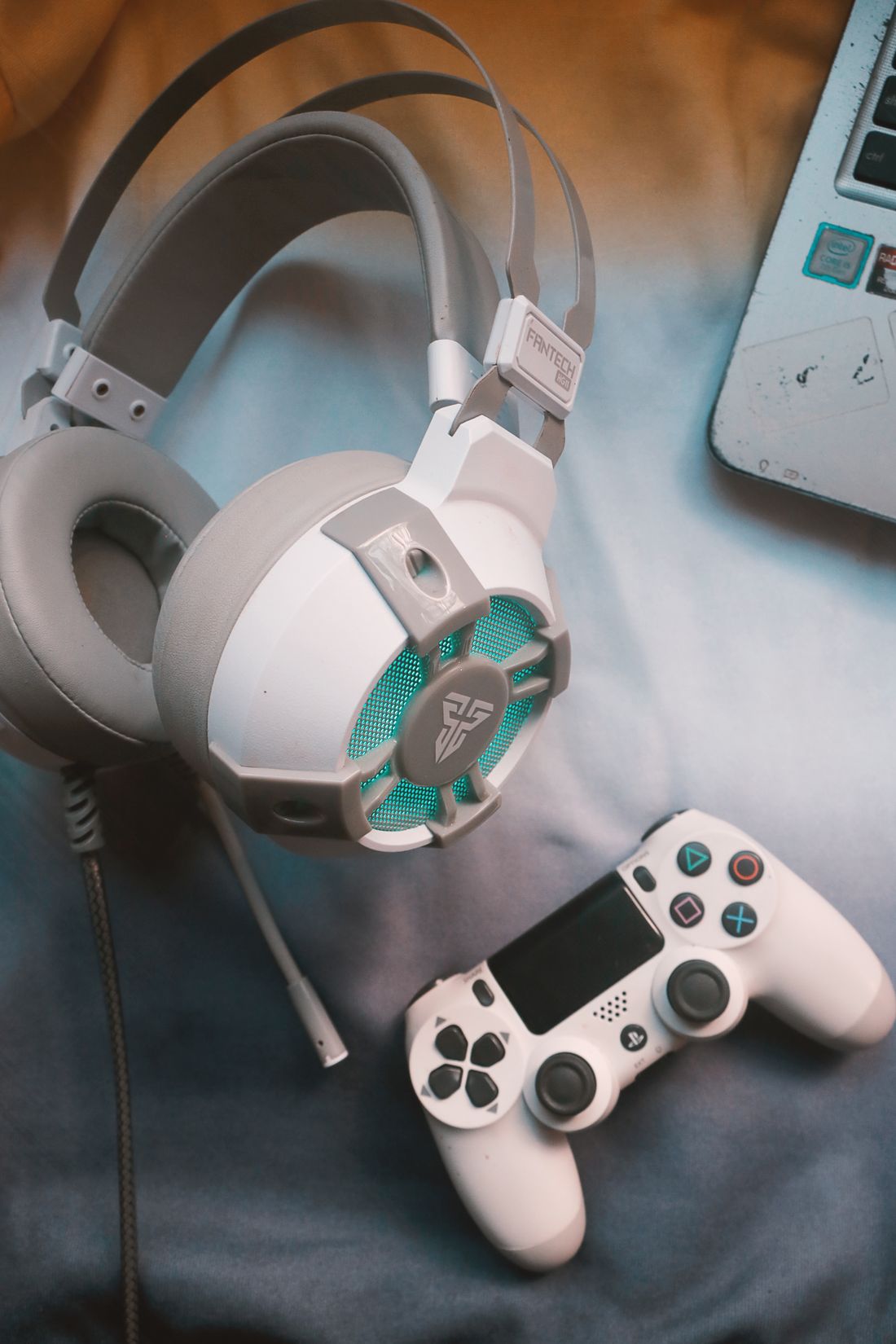
Illustrative gaming photograph · Reimond Mar Depra. Licensed stock photography illustrating equipment or preparation. This photograph does not depict Fortnite gameplay.
Confirm the experience before changing controls
Select the official Battle Royale experience and read the playlist options before queuing. Decide whether you want building enabled or Zero Build, then choose a team size that matches your party. A creative island with a similar thumbnail may have entirely different settings, so verify the creator and description. For a first attempt, Zero Build lets you concentrate on shooting and positioning. Building mode is equally valid if learning construction is your goal; reserve separate practice time for walls and ramps. Check whether squad fill is enabled, because an unexpected team arrangement changes how you should land and communicate.
Make the interface readable before aiming faster
Open Settings from your profile and inspect the control categories available for the selected mode. Epic notes that control options can depend on the experience and input device. Start with subtitles, comfortable interface size, clear audio and a crosshair you can follow against bright scenery. Turn music down if it masks footsteps while preserving useful game sounds. Choose a camera sensitivity that allows both a controlled turn and a small correction onto a distant object. Make one adjustment at a time. A configuration copied from a competitive player's hardware may create overshooting or discomfort on your own setup.
Map the actions that must work under pressure
Find move, jump, crouch or slide, sprint, interact, reload, aim, fire, weapon selection, inventory, map and ping. If building is enabled, identify its dedicated actions too. Test that an important button is not assigned to conflicting actions in the same context. Keyboard players should be able to reach their frequently used slots without looking away; controller players should learn the order in which cycling weapons reaches their healing items. Keep an accessible route to the map and ping. Do not add complex macros or external automation: the immediate goal is reliable ordinary input, not reducing several game actions to an unauthorized shortcut.
Rehearse a short sequence in a low-pressure setting
Use an available official practice environment or an appropriate experience you understand. Move around an object, sprint to a second object, stop behind it, select a weapon, aim, reload, switch to a healing slot and reopen the weapon. Repeat slowly until you no longer inspect the controller or keyboard. Next, open the map, place a destination marker and return to play without firing accidentally. In a live match, perform these checks only after reaching safety. If you cannot select a needed item reliably, simplify the layout rather than compensating by opening the inventory in the middle of combat.
Turn the opening minute into four manageable tasks
When the Battle Bus route appears, mark a landing area that contains several buildings and an obvious exit. Watch other gliders and avoid landing directly beside an opponent when you have no equipment. After touching down, acquire a usable weapon and its ammunition, locate protection or healing, then identify nearby cover. Do not spend the whole opening comparing item names. An ordinary weapon already loaded is more useful than a desirable weapon two rooms away while another player approaches. If your landing is contested, stay close enough to teammates to help instead of running into a different building alone.
Use a simple fight-or-move decision
Before shooting, ask whether you have cover, a usable weapon and somewhere to retreat. If all three are missing, improve your position first. Suppose you spot a distant player from an open road while your shield is low. Starting the fight announces your location without solving the exposed position. Moving behind a building and restoring protection creates a better next decision. If attacked unexpectedly, reach the nearest solid cover before opening the healing wheel. In Zero Build, terrain replaces the emergency structures available in building mode, so recognising a rock, wall or ridge matters as much as selecting a weapon quickly.
Finish with a useful review instead of a settings reset
After elimination or the end of the match, identify the first preventable problem. It might be an unfamiliar healing bind, a late storm departure or remaining in the open while reloading. Change only the setting or habit connected to that problem. If aiming felt difficult, distinguish large overshoots from slow tracking before moving the sensitivity slider. Keep a stable setup for several sessions so you can learn it. Your first successful practice result can be modest: landing with the squad, selecting the correct healing item and reaching the next safe area without getting lost is measurable progress even without an elimination.
Your working checklist
Checkmarks stay in this browser when storage is available. They do not alter your game or connect to your account.
Put it into practice
- Choose the official playlist and verify team size, squad fill and building rules.
- Set readable audio and interface options, then bind movement, inventory, map, ping and item selection.
- Rehearse moving to cover, switching weapons, reloading and selecting a heal before a contested drop.
- In the first match, secure a weapon, ammunition and cover before searching for upgrades.
- Review one input problem and one positioning problem after the match; adjust them separately.
Before you finish
- You can select the intended weapon and healing item without looking away from play.
- The chosen playlist has the rules you expected, and team fill matches your plan.
- You know how to ping a destination and close the map without an accidental action.
- A sensitivity change has a specific reason and is followed by practice rather than another immediate change.
Common questions
Should I start in Zero Build?
It is a sensible option if you want to learn looting, aiming and rotation first. Choose building mode if construction is the skill that interests you, but practise that skill separately so the first live match does not demand every unfamiliar action at once.
Why do my settings look different from a tutorial?
Platform, controller type, selected experience and interface updates can change the available categories. Match the action name and its in-game prompt, not the exact screen position shown in an old video. Epic's current support pages are the better starting point for a missing option.
Should I copy a professional player's sensitivity?
Use it only as a reference. Your display, input device and available movement space differ. Choose a setting that allows repeatable small corrections, keep it steady while practising and change it only when you can describe a consistent problem.